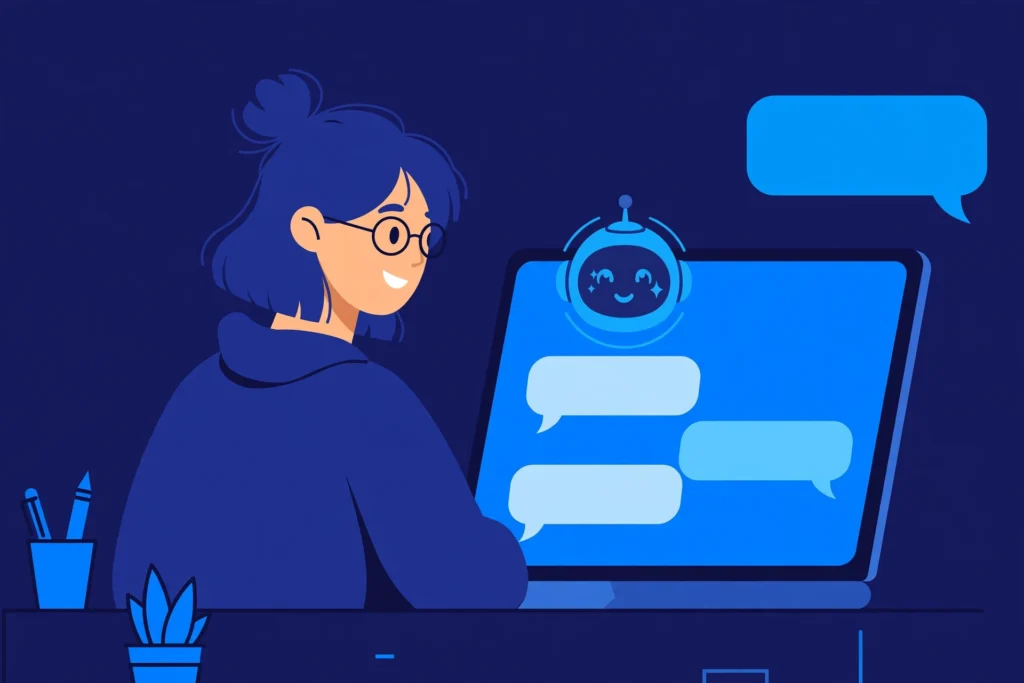
To talk to AI chatbots effectively, be specific about what you want, give a little background, ask one question at a time, and say what kind of answer you want. Then treat the first reply as a draft: follow up, correct it, or ask it to simplify until the answer is actually useful.
Talking to an AI chatbot feels like chatting with a person, but it works better when you treat it like giving clear instructions to a very capable assistant. At Zyrro, we test these techniques on real chatbots every week, and the difference between a vague question and a well-asked one is usually the difference between a useless answer and exactly what you needed.
Table of Contents
- What is an AI chatbot, and how does it understand you?
- Why do people talk to AI chatbots?
- How do you talk to AI chatbots effectively?
- How do you start your first conversation?
- How do you fix a bad answer?
- Which free AI chatbot should you talk to?
- How do you talk to AI chatbots on Instagram?
- Can you talk to an AI chatbot with your voice?
- What should you never tell an AI chatbot?
- What mistakes do beginners make when talking to AI?
- Frequently Asked Questions
What is an AI chatbot, and how does it understand you?
An AI chatbot is a computer program that understands everyday language and replies in everyday language. You type or speak a message, it works out what you probably mean from the words and the conversation so far, and it generates a reply based on patterns it learned from huge amounts of text.
That matters: a chatbot does not look up one correct answer like a search engine. It predicts a helpful-sounding reply, which is why it can be brilliantly useful and confidently wrong in the same conversation.
Why do people talk to AI chatbots?
People use AI chatbots because they are fast, always available, and patient with follow-ups. Common uses:
- Explaining things: “Explain inflation like I am a beginner.”
- Writing help: drafting emails, captions, essays, cover letters, and summaries.
- Planning: meal plans, study schedules, and trip ideas.
- Learning and practice: language practice and interview practice.
- Everyday problem-solving: fixing an error message or comparing options.
How do you talk to AI chatbots effectively?
To talk to AI effectively, give every message four ingredients: a clear goal, just enough context, any constraints, and the format you want. A message with all four beats a longer message with only one.
Compare these two approaches:
| Vague message | Effective message |
|---|---|
| “Write about dogs.” | “Write a 100-word introduction for a school presentation about why Golden Retrievers make good family dogs. Friendly tone, simple words.” |
| “Help me study.” | “Quiz me on basic French greetings. Ask one question at a time and wait for my answer before continuing.” |
| “Make a diet plan.” | “Make a 3-day vegetarian meal plan for one person. No nuts. Include a shopping list at the end.” |
The four ingredients, in practice:
- Goal: one sentence saying what you want done. “Draft an email,” “Explain this,” “Compare these two options.”
- Context: who you are and what the situation is. “I am a student,” “This is for a small business,” “My audience is beginners.”
- Constraints: length, tone, and rules. “Under 150 words,” “No jargon,” “Do not invent statistics.”
- Format: how the answer should look. A list, a table, step-by-step instructions, or a short paragraph.
Tip: If you only remember one rule, make it this one: one question at a time. A message with five questions usually gets five shallow answers. A message with one question gets one properly answered question, and you can always ask the next one.
How do you start your first conversation?
Follow these steps:
- Pick one chatbot. ChatGPT, Gemini, Claude, Copilot, and Meta AI all offer free tiers. Pick one; switching later is easy.
- Open a new chat. Look for a “New chat” button or message box.
- Ask something easy first. Try “Explain photosynthesis in three simple sentences” to see how it writes.
- Reply to the reply. Ask a follow-up, such as “Now give me one everyday example.” This is where the real value lives.
- Save or copy anything useful. Copy good answers into your notes. Chats can be hard to find again later.
How do you fix a bad answer?
A bad first answer is normal. Chatbots guess at what you meant, and your follow-up corrects the guess. Never accept a first answer that is not right.
Use these follow-up phrases, exactly as written, whenever an answer misses:
- “Make this simpler.” Good when the answer is full of jargon.
- “Add more detail to point 2.” Good when one part is too thin.
- “Give me an example.” Good when an explanation is abstract.
- “Write this in a friendly tone.” Good when the tone is wrong for your audience.
- “That is not what I meant. I meant…” Good when the chatbot misunderstood you. Restate the goal in one sentence.
- “Break this into steps.” Good when a long task needs to be done in order.
- “What are the pros and cons?” Good when you need to compare options before deciding.
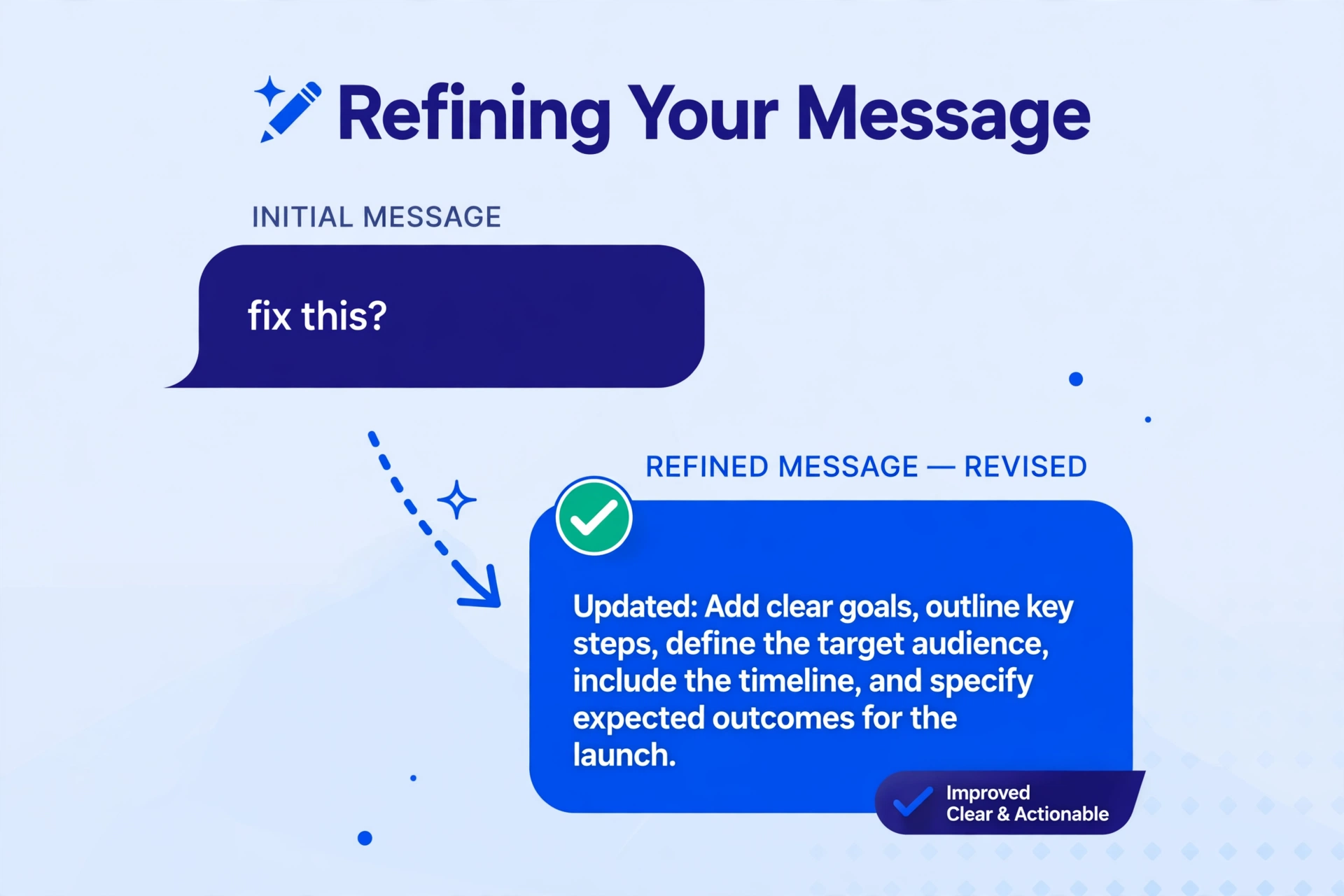
If an answer looks suspicious, ask: “Explain your reasoning step by step.” For facts, dates, or medical information, check the answer against a trusted source first. Our guide on how to get better answers from ChatGPT covers the same techniques with ChatGPT-specific examples.
Which free AI chatbot should you talk to?
Every major provider offers a free chatbot tier, but each fits a different job. Free limits change often, so check the provider’s own page before relying on a limit.
| Chatbot | Where you find it | Best for |
|---|---|---|
| ChatGPT (OpenAI) | Website and app | All-round use: writing, ideas, explanations, voice chat |
| Gemini (Google) | Google app and website | Google users, fast answers, research with web grounding |
| Claude (Anthropic) | Website and app | Long documents, careful writing, step-by-step reasoning |
| Microsoft Copilot | Windows, Edge, and app | Microsoft users, web search with cited answers |
| Meta AI | WhatsApp, Instagram, Facebook | Quick questions inside social apps you already use |
| Grok (xAI) | X app and website | Questions about what is happening on X right now |
| Perplexity | Website and app | Factual questions where you want source links |
| DeepSeek | Website and app | Maths, logic, and technical questions |
For ready-made starters, Zyrro’s AI prompt generator builds first drafts, and our guide to writing good AI prompts for coding shows the same skills on a specialist task.
How do you talk to AI chatbots on Instagram?
On Instagram, you talk to Meta AI, the chatbot built into the app. Open Instagram, tap the search bar or the Meta AI icon, and type your question in the chat box just like sending a message. You can ask for caption ideas, recipe suggestions, travel ideas, or explanations, and Meta AI replies in the same chat.
A few things work differently inside an app chatbot compared with a full website chatbot:
- Keep messages short. In-app chats suit quick questions, not long documents.
- Ask for a format. “Give me 5 caption ideas as a numbered list” beats “give me captions.”
- Start a fresh chat for a new topic. A new chat gives a cleaner answer.
- Do not share private information. Anything you type may be stored by the provider.
Can you talk to an AI chatbot with your voice?
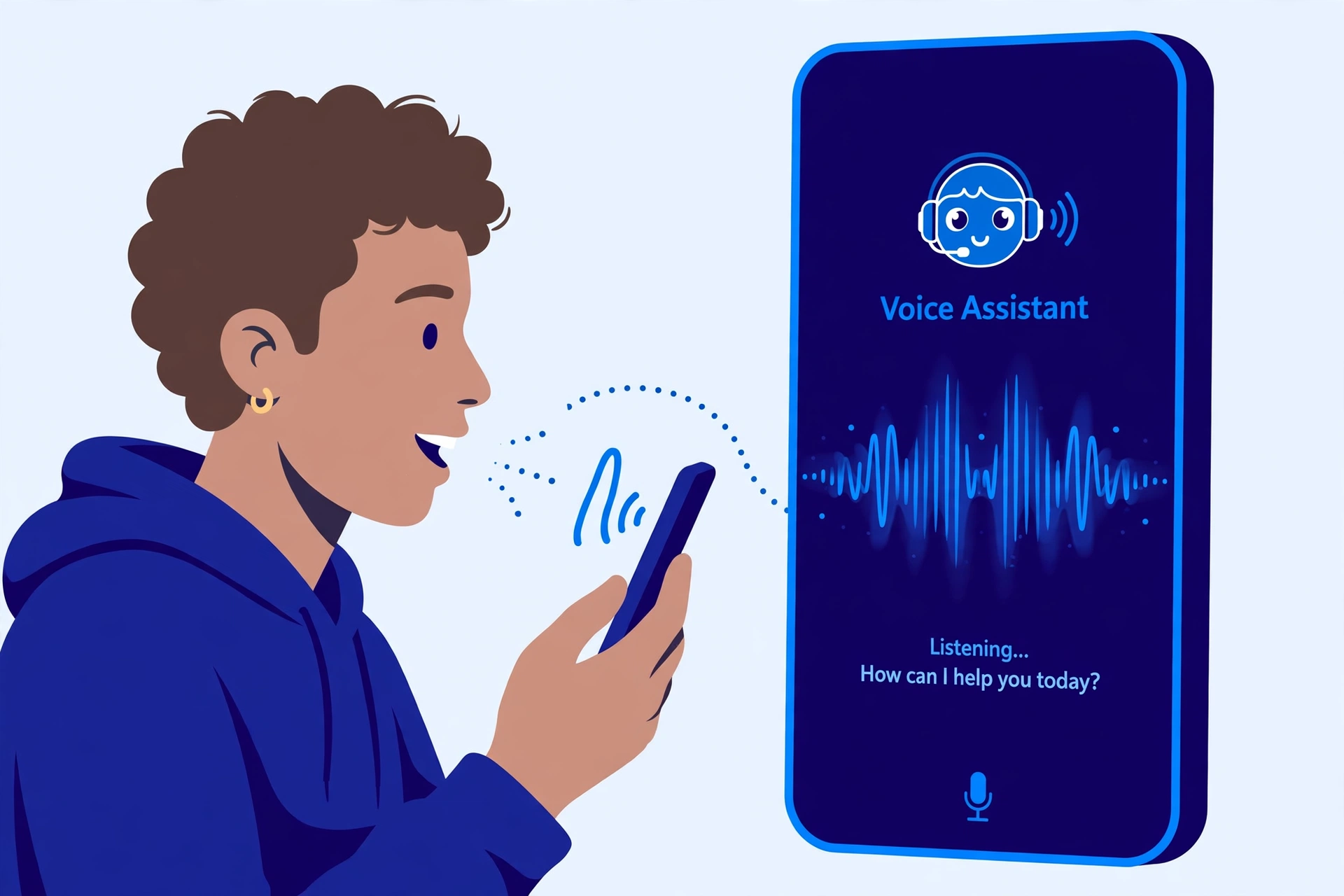
Yes. Most major chatbots now offer a voice mode: tap the microphone icon in the app and speak instead of typing. The chatbot replies out loud, and you can interrupt it, ask it to slow down, or ask it to repeat itself.
Voice chat suits brainstorming, language practice, and hands-free questions, such as while cooking. It is worse for anything you must copy exactly, like code or long lists, because spoken answers are harder to check and save. A good habit: brainstorm by voice, then switch to text and ask for a short summary list.
What should you never tell an AI chatbot?
Never share anything you would not want stored or leaked. Treat every chatbot conversation as potentially permanent.
Important: Never paste passwords, bank details, ID numbers, addresses, medical records, or private business data into any AI chatbot. If a task needs that information, do the sensitive part yourself and only ask the chatbot about the general method.
- Passwords and account details: never, in any chatbot, for any reason.
- Financial information: no card numbers, bank statements, or tax documents.
- Health information: describe symptoms in general terms if you must, but do not paste medical records.
- Other people’s private information: do not paste their private messages, emails, or photos.
- Unpublished work: be careful with manuscripts, business plans, or exam answers.
What mistakes do beginners make when talking to AI?
Most beginner mistakes come from treating a chatbot like a search engine or like a person. Avoid these five:
| Mistake | What to do instead |
|---|---|
| Asking a vague one-word question | State the goal, context, and format in one or two sentences |
| Accepting the first answer without checking | Read it, follow up, and verify important facts elsewhere |
| Putting five questions in one message | Ask one question, then follow up with the next |
| Starting a new chat for every follow-up | Stay in the same chat so the chatbot keeps the context |
| Sharing private information for convenience | Keep sensitive details out; ask about the general method only |
The fastest way to improve is a week of low-stakes practice: ask it to explain a topic, plan a meal, draft a short email, and compare two options. You will quickly learn where your chatbot goes wrong and which follow-ups fix it fastest.
Talking to AI chatbots well is a learnable skill. Be specific, give context, ask one question at a time, correct bad answers with follow-ups, and never trust an important fact without checking it. Do that consistently, and the same chatbot that gave generic answers will start giving useful ones. Keep exploring Zyrro’s AI tools and how-to guides for more.
Frequently Asked Questions
How do you communicate with AI effectively?
Communicate with AI effectively by stating one clear goal, adding just enough background, and saying what format you want the answer in. Ask one question at a time, then use follow-ups like “make this simpler” or “give me an example” to correct the answer. Plain, direct language works better than formal or complicated wording.
How do you chat with AI effectively?
Chat with AI effectively by treating the conversation as a back-and-forth, not a single question. Start with a simple, specific message, read the reply, and then follow up to refine it, add detail, or change the tone. Staying in the same chat keeps the context, so each follow-up builds on the last answer.
How do you talk to AI?
You talk to AI by typing or speaking a message in a chatbot’s app or website, such as ChatGPT, Gemini, Claude, Copilot, or Meta AI. Write your request as a clear instruction: what you want, who it is for, and how long or what format the answer should be. Then reply to the chatbot’s answer to improve it.
Can AI chatbots be wrong?
Yes, AI chatbots can be wrong, and they can state wrong answers with complete confidence. This happens because chatbots generate replies based on patterns in their training data rather than looking up a verified fact. Always double-check important facts, dates, prices, medical details, and legal claims against a trusted source before acting on them.
Is it free to talk to AI chatbots?
Yes, most major AI chatbots offer a free tier, including ChatGPT, Gemini, Claude, Copilot, Meta AI, Grok, Perplexity, and DeepSeek. Free tiers usually have usage limits or slower replies at busy times, and some advanced features need a paid plan. Free limits change often, so check the provider’s own page for the current offer.
Do AI chatbots remember your conversations?
AI chatbots remember the current conversation, so you can say “make that shorter” and they know what you mean. Some also offer memory across chats, which you can usually turn off in settings. Because conversations may be stored by the provider, never share passwords, financial details, or other private information in a chatbot.