
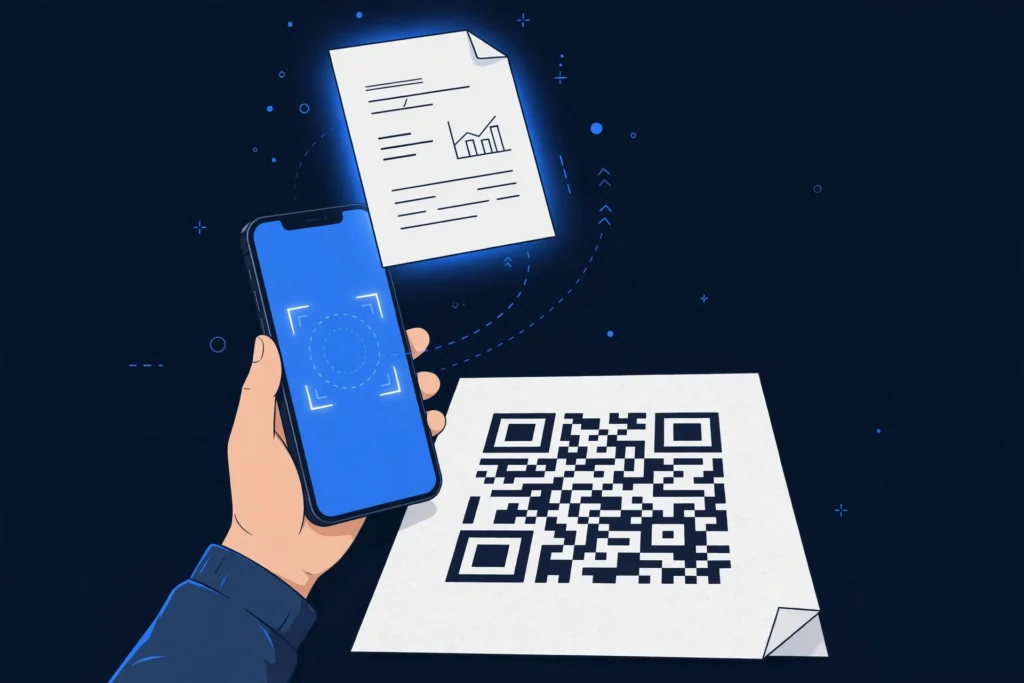
To make a QR code for a PDF, first put the PDF online so it has a shareable link, then paste that link into a QR code generator and download the code. A QR code cannot hold the PDF file itself. It holds a link, and scanning it opens the PDF in the phone browser or PDF viewer.
A PDF QR code helps anywhere a link cannot be typed: a flyer, a product box, a handout, or a poster. This guide shows the free methods, the permission setting most beginners miss, and how to update the file later. At Zyrro, the same steps work with our free generator.
Table of Contents
- How to Make One
- What It Is
- Which Method?
- Google Drive Method
- Without Google Drive
- Turn the Link Into a Code
- Canva and Adobe Acrobat
- Change the PDF Later?
- Print Size
- Scan on iPhone and Android
- Safety
- Troubleshooting
- FAQs
How Do I Make a QR Code for a PDF?
You make a QR code for a PDF in four steps: get the PDF a web link, check the sharing permission, paste the link into a QR code generator, and test the code with your own phone before you print it.
- Upload the PDF to Google Drive, Dropbox, or your own website. If you already have a PDF link, skip this step.
- Set sharing to Anyone with the link and the role to Viewer. Copy the link.
- Paste the link into a free QR code generator.
- Download the code as a PNG or SVG. Scan it from the distance people will really stand at.
The most common beginner mistake is generating the code before the permission is set. A code made from a Restricted link opens a sign-in screen for everyone except you.
What Is a QR Code for a PDF?
A QR code for a PDF is a square barcode that stores a web link to a hosted PDF file. When a phone camera reads it, the phone opens that link, and the PDF loads in the browser or in a PDF viewer. The file itself is never inside the code. The code only points to it.
QR stands for Quick Response. The format was invented by the Japanese company Denso Wave in 1994. If the PDF is deleted, moved, or made private, the code stops working. PDF QR codes suit menus, brochures, and worksheets, but not private documents, because anyone who gets the link can forward it.
Which Method Should I Use?
There are two routes. Host-first puts the PDF on Google Drive, Dropbox, or a website, then turns its link into a code. Direct-upload uploads the PDF to a PDF QR generator, which hosts the file and makes the code in one place.
| Route | Cost | Who hosts the PDF | Change the PDF later |
|---|---|---|---|
| Host-first + free generator | Free | You, on your own account | Replace the same file and keep the link |
| Direct-upload generator | Free trials common; ongoing use often paid | The generator company | Often yes, with a dynamic code on a paid plan |
For most beginners, host-first is the better start. It is free, it keeps the file in an account you control, and the static code never expires on its own. Direct-upload earns its keep when you reprint often or want scan counts. Read the free terms first: some free plans are trials, and a code tied to a lapsed trial can stop working. For a restaurant menu, see our QR code for a menu guide.
How Do I Make a QR Code for a PDF in Google Drive?
Google Drive is the most common free host for a PDF QR code. The key step is changing General access. Drive files default to Restricted, which means only people you invite can open them.
- Open Google Drive and upload the PDF, or find the file if it is already there.
- Right-click the file and choose Share.
- Under General access, choose Anyone with the link.
- Set the role to Viewer, so scanners can read the file but cannot edit it.
- Click Copy link, then Done. Paste the link into a QR code generator.
Test the link the way a stranger would see it: open it in a private window, or on a phone signed out of your Google account. If it asks for a sign-in, the setting is still Restricted. Google notes that your name and email are visible as the file owner, and work or school accounts may restrict external sharing. To update the file later, upload a new version of the same Drive file. A copy gets a new link.
How Do I Make a QR Code for a PDF Without Google Drive?
Any host that gives the PDF a public link works the same way. Dropbox follows the same pattern: Share the file, copy the link, and set it to Link for viewing.
Uploading the PDF to your own website is the most durable option. You control the file and how long it stays online. Keep the file address stable: renaming or moving the file breaks every printed code that points to it. Direct-upload generators remove the hosting step, but the file then lives on that company servers, and updating it usually needs a paid plan.
Compress a large PDF before you share it, and put the title and key message on the first page, since that is what scanners see first.
How Do I Turn the PDF Link Into a QR Code?
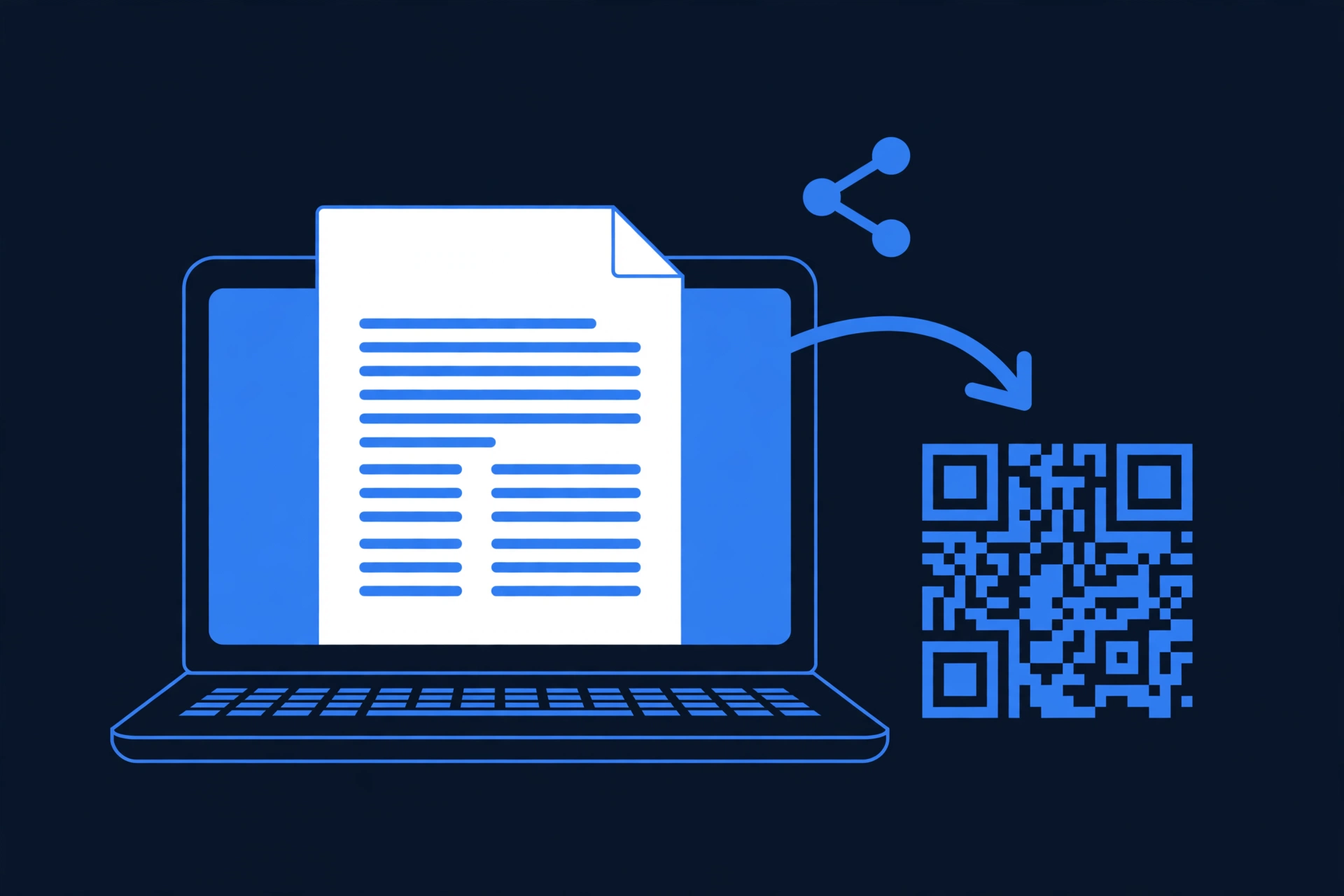
Once you have the PDF link, generating the code takes under a minute. Paste the full link, including https://, into the generator. A link missing its protocol may not open correctly on every phone.
- Copy the PDF link from Drive, Dropbox, or your website.
- Open a free QR code generator and paste the link into the Text or URL field.
- Keep dark dots on a light background. Add a logo or brand colors only if the code still scans easily.
- Download the PNG for screens and everyday printing, or the SVG for large signs, because SVG stays sharp at any size.
- Scan the downloaded code with your phone camera and confirm the right PDF opens.
Zyrro free QR code generator draws the code in your browser, with no signup, no watermark, and no scan limit. It offers six dot styles and custom colors, and a logo upload that raises error correction to High. The link you enter is never uploaded. The same steps make a QR code for any link, not only PDFs.
Can Canva or Adobe Acrobat Make a QR Code for a PDF?
Canva and Adobe both offer free QR code generators on the web. If you already work in Canva, you can generate a code inside a design and place it on a flyer without switching tools. Adobe free QR generator lives in Adobe Express, its design tool, rather than in Acrobat. Acrobat is a PDF editor: it edits or exports the PDF itself, it does not create the code.
Whether Canva QR codes stay free can change, so check the current terms before a print run. To put a QR code inside a PDF document instead, generate the code image first, insert it in your PDF editor, and export the PDF again.
Can I Change the PDF After I Print the QR Code?
It depends on the kind of code. A static code stores the link directly in the pattern and cannot be changed, with no scan tracking. A dynamic code stores a redirect link you control from a dashboard, so you can change the file without reprinting. Dynamic codes usually come from paid plans or trials.
| Code type | Change the PDF later | Scan tracking | Cost |
|---|---|---|---|
| Static | No, unless you replace the same hosted file and keep the link | No | Free |
| Dynamic | Yes, from the generator dashboard | Usually yes | Often paid or trial |
A static code pointing at a Drive link keeps working if you upload a new version of the same file. Before a large print run, decide how often the PDF will change: a fixed handout is fine as a static code, while a menu that changes monthly needs a swappable route.
How Big Should I Print a QR Code for a PDF?
Print a QR code at least 2 cm by 2 cm (about 0.8 inches) for anything held in the hand, such as a business card, flyer, or table tent. Smaller codes blur as ink spreads into paper fibers, and older phone cameras cannot resolve the tiny squares. For anything scanned from further away, use the 10-to-1 rule: make the code about one tenth as wide as the scanning distance.
| Where it is printed | Scanned from | Minimum width |
|---|---|---|
| Business card, label, packaging | 15 to 20 cm | 2 to 2.5 cm |
| Flyer, table tent, handout | 20 to 30 cm | 3 to 4 cm |
| A4 poster, shop window | 0.5 to 1 metre | 5 to 10 cm |
| Sign, exhibition stand | 2 to 3 metres | 20 to 30 cm |
Leave a blank quiet zone around the code, about four modules wide. Keep the dots dark on a light background, and add a call to action such as Scan to open the PDF. Print one sample and test it with two or three phones at the real distance before the full run.
How Do I Scan a QR Code for a PDF on iPhone and Android?
Scanning needs no special app on a modern phone. Open the built-in camera, point it at the code, and tap the link banner that appears. The PDF opens in the browser or PDF viewer, where it can be read, zoomed, or downloaded. If nothing appears, move the phone back a little, wait for focus, and make sure the whole code, including its blank margin, is inside the frame.
| Phone | How to scan | If it does not work |
|---|---|---|
| iPhone | Open Camera, point at the code, tap the link banner | Check Scan QR Codes is on in Camera settings; clean the lens |
| Android | Open Camera, point at the code, tap the link | Try Google Lens, or a QR scanner app |
If the scan opens a sign-in page, the PDF sharing is Restricted, and only the file owner can fix it.
Is It Safe to Share a PDF With a QR Code?
A PDF QR code is as safe as the link behind it. Anyone with the link can view the file and forward it. That is fine for a menu or brochure. It is the wrong tool for payroll files or medical records. For private files, share with named people only and do not put the link on a printed code.
Set the role to Viewer, so scanners can read the file but cannot edit your original. Check the link address before tapping a code you did not make yourself. To stop sharing, change General access back to Restricted or delete the file.
Why Is My QR Code for a PDF Not Working?
Most failures are link or permission problems, not code problems. Work through the checks in order, and test after each one.
| Symptom | Likely cause | Fix |
|---|---|---|
| Sign-in or request-access screen | File is still Restricted | Set Anyone with the link, Viewer role, copy the link again, make a new code |
| File not found | PDF deleted, moved, or renamed | Restore the file at the same address; if the link changed, reprint |
| Code stopped after weeks | Trial or paid dynamic code lapsed | Check the generator account; move to your own hosting and a static code |
| Camera will not read it | Too small, low contrast, glare, no quiet zone | Print at least 2 cm wide, dark on light, matte surface, blank margin |
| PDF opens very slowly | File too large for mobile data | Compress the PDF and test on mobile data, not only Wi-Fi |
Frequently Asked Questions
How do I make a QR code for a PDF for free?
Upload the PDF to Google Drive or Dropbox, set sharing to Anyone with the link with the Viewer role, and copy the link. Paste it into a free QR code generator, download the code as a PNG or SVG, and test it with your phone before printing. No signup is needed for a static code.
Can I create a QR code for a PDF file on my phone?
Yes. Upload the PDF in the Drive or Dropbox app, set sharing to Anyone with the link, and copy the link. Open a QR code generator in your phone browser, paste the link, and download the code image. Test it by scanning it from another phone.
What is the maximum PDF file size for a QR code?
There is no single limit, because the code holds a link, not the file. The limit belongs to whoever hosts the PDF, and it differs from one service to the next. Check the cap before you upload a large file, and compress big PDFs so they open faster on mobile data.
Can I update the PDF after printing the QR code?
Yes, in two cases. With a dynamic code, replace the file from the generator dashboard. With a static code, upload a new version of the same hosted file and keep the same link. If the link itself changes, you must print a new code.
How do I put a QR code on a PDF document?
Generate the QR code image first, using any link you want it to open. Then open your PDF in a PDF editor or design tool, insert the code image where you want it, and export the PDF again. The code then lives inside the document, and it can link to a website or form.
Can Canva make a QR code for a PDF, and is it free?
Canva offers a QR code generator inside its design tool, and you can place the code on a flyer there. Whether it stays free can change, so check the current Canva terms before a print run. For a code with no account or subscription dependency, use the host-first route with a free generator.
Do QR codes for PDFs expire?
A static code made from your own hosted link does not expire on its own. It stops working only if the PDF is deleted, moved, renamed, or made private. A dynamic code can stop working if its plan or trial lapses, so confirm the terms before printing at scale.
Making a QR code for a PDF comes down to three habits: host the file somewhere stable, set the permission before you generate the code, and test the printed code the way a stranger would use it. Start with a free hosted link and a free QR code generator from Zyrro, and keep the update rule in mind before your first large print run.