
Quick answer: To make a QR code for a menu, first get your menu online as a shareable link — a page on your website, an uploaded PDF, or a hosted digital-menu page. Paste that link into a free QR code generator, download the image, and print it on table tents, window signs, or receipts. The process takes under five minutes, costs nothing, and customers scan it with their phone camera to open your menu instantly.
Contactless menus went mainstream during the COVID-19 pandemic, and they never left: they are cheaper than reprinting paper menus, update in seconds, and customers already know how to use them. A QR code (short for “Quick Response” code, invented by the Japanese company Denso Wave in 1994) is a square barcode a phone camera reads in a fraction of a second. At Zyrro, we built this beginner guide to walk you through every free method — PDF menus, website links, and hosted digital menus — plus the print sizes, placement spots, and update rules most tutorials skip.
Table of Contents
- How Do I Make a QR Code for a Menu?
- How Do I Get My Menu Online First?
- How Do I Create a QR Code for a PDF Menu?
- How Do I Make a QR Code for a Restaurant Menu for Free?
- Which QR Code Generator Is Best for Restaurant Menus?
- How Big Should I Print a Menu QR Code?
- Where Should I Place the QR Code in My Restaurant?
- What Happens When My Menu Changes?
- Is It Safe for Customers to Scan QR Codes?
- Frequently Asked Questions
How Do I Make a QR Code for a Menu?
You make a QR code for a menu in four steps: publish your menu online (website page, PDF link, or hosted menu page), copy the link, paste it into a free QR code generator, and print the downloaded code wherever customers will see it. Scanning customers land directly on your menu — no app downloads, no typing.
The most common beginner mistake is trying to generate the code before the menu has a link. A QR code is just a visual shortcut to a URL, so the menu’s web address has to exist first. Sort the link, and the rest takes minutes.
- Get your menu’s link (see the next section for the three free ways).
- Open a free QR code generator — no sign-up needed for a basic static code.
- Paste the menu link. The preview updates instantly.
- Download the PNG at the highest resolution offered and place it on table tents, window decals, or receipts.
- Scan it with your own phone from customer distance before printing the full batch.
How Do I Get My Menu Online First?
You get your menu online in one of three free ways: link to an existing page on your restaurant’s website, upload a PDF of your menu to your site or a file host and use that file’s link, or build a hosted digital menu on a free menu platform. All three produce a shareable link your QR code can point to.
Option 1 — Website page (best if you have a site). If your menu already lives on your restaurant website, right-click/copy the address-bar URL of that page. Zero extra cost, full control over the design, and it helps your website’s traffic too.
Option 2 — PDF upload (best for print-style menus). Save your menu as a PDF, upload it to your website’s media library, and copy the file’s URL. If you have no website, a free file host or your Google Drive “anyone with the link” URL works as a fallback. PDFs look exactly like your printed menu, but they are harder to read on small phones and you must re-upload the file for every price change.
Option 3 — Hosted digital menu (best for frequent updates). Free menu platforms let you build a mobile-friendly menu in their editor and give you a link automatically. The upside is easy updates and phone-optimized layouts; the downside is your menu lives on someone else’s platform, sometimes with branding or upsells.
Whichever you choose, test the link in a private browser window first — if it opens for a stranger, it will open for your customers.
How Do I Create a QR Code for a PDF Menu?
To create a QR code for a PDF menu, upload the PDF somewhere it gets a public link, then encode that link as a QR code. Specifically: upload your menu PDF to your website (Media Library → Add New → copy the file URL), paste that URL into a free QR code generator, and download the code.
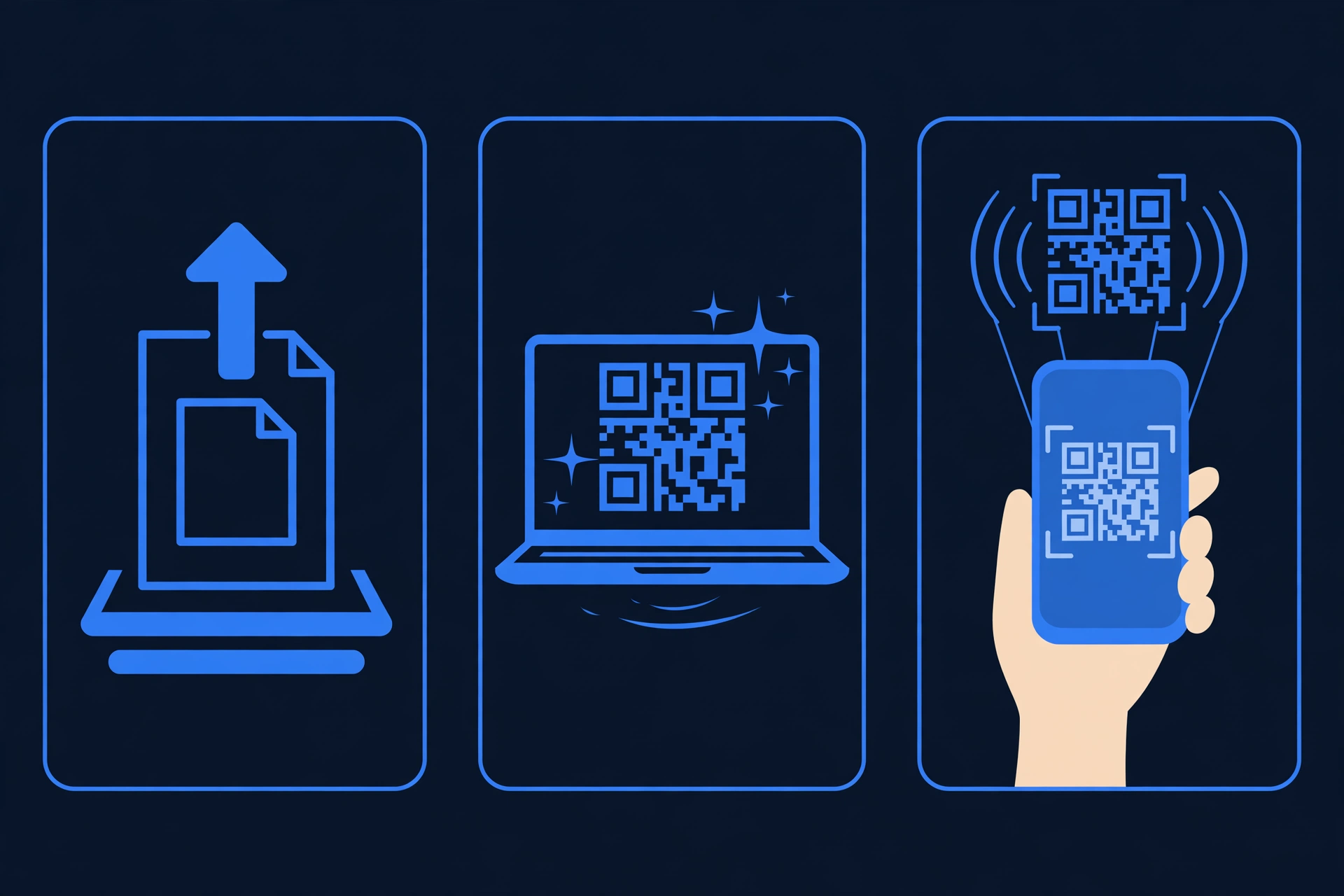
Two PDF-specific warnings:
- The link must be truly public. A PDF sitting in your email drafts or a private cloud folder will not open for customers. “Anyone with the link” (Google Drive) or a public media-library file are the safe bets.
- Plan for reprints. If you change the PDF’s file or its URL later, a static QR code keeps pointing at the old address. Keep one stable URL and overwrite the same file when you update prices — or read the static-vs-dynamic section below before you print.
How Do I Make a QR Code for a Restaurant Menu for Free?
You make a free restaurant-menu QR code with a no-sign-up static generator — the entire job costs nothing. Using Zyrro’s tool:
- Open Zyrro’s free QR code generator — no account, no watermark.
- Paste your menu’s link (website page, PDF URL, or hosted menu page). The preview updates as you type.
- Optional: adjust colors to match your branding. Keep the code dark on a light background for reliable scanning.
- Click Download and save the PNG at the highest resolution.
- Add it to your table tents, posters, or receipt footer design, then test-scan with an iPhone and an Android phone.
Tip: A static QR code bakes your menu’s URL directly into the pattern — free forever, no account, never expires. A dynamic code routes through a paid service so you can change the destination later without reprinting. Restaurants that update menus weekly may find dynamic worth it; everyone else should save the money and use static.
The same steps work if you want to create a QR code for any link — a catering page, an online-ordering URL, or a review page.
Which QR Code Generator Is Best for Restaurant Menus?
The best generator for a restaurant menu is a free, no-sign-up static one — your menu link is stable, so paid dynamic features are usually overkill:
| Generator | Free? | Sign-up needed? | Custom colors/logo | Best for |
|---|---|---|---|---|
| Zyrro QR Code Generator | Yes, unlimited | No | Yes | Free codes, no watermark |
| QRCode Monkey | Yes | No | Yes | Print-quality files |
| Chrome built-in | Yes | No | Yes | Fastest one-click codes |
| Canva QR app | Yes | Yes (free account) | Yes | Codes inside poster layouts |
| Menu platforms (Dishtup & similar) | Free tier | Yes | Varies | Hosted menu + code in one place |
For a single restaurant, any of the first three is plenty. Choose a paid dynamic service only if you need scan analytics (which tables get scanned most) or the ability to redirect one printed code to a new menu later.
How Big Should I Print a Menu QR Code?
Print a menu QR code at least 2 × 2 cm (about 0.8 × 0.8 inches) — the widely cited minimum for reliable scanning at arm’s length. For codes scanned from across a table or from a window, scale up using the rule of thumb: roughly 1 cm of code width for every 30 cm of scanning distance (about 1 inch per 10 feet).
Three print rules that prevent “it won’t scan” embarrassment: keep the quiet zone — a blank margin at least 4 modules wide (the width of four little squares) around the code, which scanners need to detect its edges; high contrast only — black on white is safest, since light-on-dark codes and busy photo backgrounds are the most common causes of dead scans; and test before you print 500 copies — scan the final artwork with both an iPhone and an Android phone, from the distance customers will actually stand at.
For on-screen use (a menu page on your website, an email footer), any code larger than about 150 pixels square scans fine.
Where Should I Place the QR Code in My Restaurant?
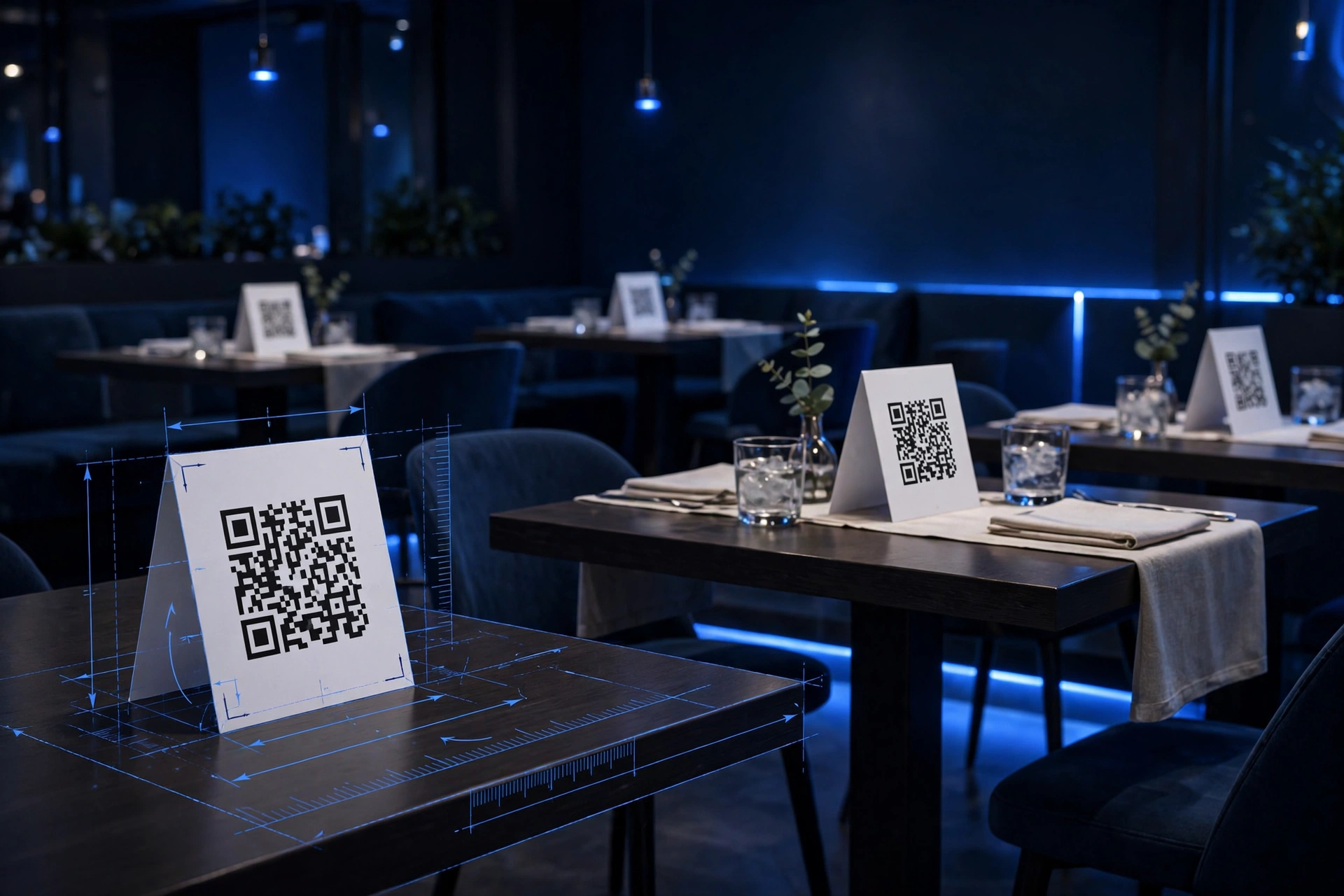
Place menu QR codes where customers naturally reach for a menu: table tents (the #1 spot — visible from every seat), entrance and window decals (for walk-by browsers and takeout pickups), receipts (points to the online-ordering or feedback page), and your Google Business Profile (customers checking hours see the menu link).
Two placement tips: put the code at table height, not the wall — arms-length scanning is far more reliable than across-the-room scanning; and always pair the code with a one-line instruction (“Scan for our menu”) plus the tiny URL underneath as a fallback for customers whose cameras struggle.
What Happens When My Menu Changes?
When your menu changes, a static QR code keeps pointing at whatever URL you encoded — so keep that URL alive and update the page or file behind it. Edit the website page, or overwrite the same PDF file at the same link; the printed codes on your tables keep working with zero reprinting.
The expensive mistake is changing the URL itself: a new website page or a newly uploaded file usually gets a new address, and every printed static code then points at the old one. If your menu link changes often, either set up a redirect from the old URL to the new one, or switch to a dynamic QR service where the destination is editable. For most restaurants, one stable menu URL that you maintain is the cheapest and simplest setup.
Is It Safe for Customers to Scan QR Codes?
Scanning QR codes is generally safe, but a code can hide a malicious link — which is what the FBI warned about. In a January 2024 public service announcement, the FBI’s Internet Crime Complaint Center (IC3) warned that criminals tamper with QR codes — for example, by sticking their own code over a legitimate one — to steer victims to phishing sites that steal logins or payment details, a scam now called “quishing.”
As a restaurant owner, protect your customers: print your own codes and place them where tampering would show (a sticker pasted over your tent card should be obvious); check them periodically — a weekly scan of one table tent takes ten seconds; and use HTTPS links for your menu page, since browsers flag non-secure destinations. Tell staff what to look for, and replace any code that looks altered immediately.
Frequently Asked Questions
Is there a free QR code generator for menus?
Yes — many QR code generators are completely free for menus, including Zyrro’s free QR code generator, QRCode Monkey, and Chrome’s built-in generator. A free static QR code never expires, needs no account, and works for menus, PDFs, and website links. You only pay if you want dynamic features like editable destinations or scan analytics.
Do QR codes cost money?
Static QR codes are free — the pattern simply encodes your URL, so no service needs to stay involved after you download the image. You only pay for dynamic QR codes, which route through a provider’s servers to allow destination changes and scan tracking, typically costing $5–15/month. For a restaurant menu, the free static option is all most owners need.
Do QR codes for menus expire?
No — a static QR code for a menu does not expire. The code is just a visual encoding of your menu’s URL; as long as that URL stays live, the code keeps working with no timer or renewal. The only real risk is changing the URL behind it, so keep one stable menu link and update the page or file at that address.
How do customers scan a menu QR code?
Customers scan a menu QR code by pointing their phone’s camera at it — no special app needed. iPhone’s Camera app has read QR codes natively since iOS 11 (2017), and most Android cameras do the same; a tappable link banner appears on screen. For older phones, any free QR scanner app from the app store works.
Can ChatGPT generate QR codes?
ChatGPT cannot generate a real, scannable QR code image on its own — it is a text model, and any QR-looking image it produces is decorative, not encoded with your link. To make a working code, paste your menu link into an actual QR code generator. ChatGPT is still useful for writing the menu descriptions and call-to-action text around the code.
Can I use one QR code for my dine-in, takeout, and catering menus?
You can, but it is better to use separate codes. One code pointing to a “menu hub” page that links to dine-in, takeout, and catering works, yet dedicated codes — a table-tent code for dine-in, a window code for takeout — let you track which placement gets scanned and swap one menu without touching the others. If you also collect feedback, consider a QR code for a Google Form on the receipt.
Whether you are a café owner printing your first table tent or a restaurant chain standardizing contactless menus, the formula is the same: one stable menu link, one free static QR code, and placement at arm’s length. Zyrro’s free tools handle the code in seconds — the rest is just good hospitality.